Project Open-Source Code
GitHub: https://github.com/Tongvivi/ESP32C3-Robot-Arm
Based on: L-ONE Desktop Robotic Arm — No Screws or Glue Required [CyberBrick] Mod goal: Replace the CyberBrick kit with an ESP32-C3 as the control board — a budget-friendly alternative to the official kit.
1. Bill of Materials
| # | Item | Qty |
|---|---|---|
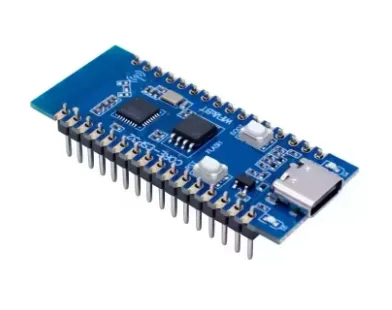
1 | ESP32C3-CORE Development Board
| 1 |
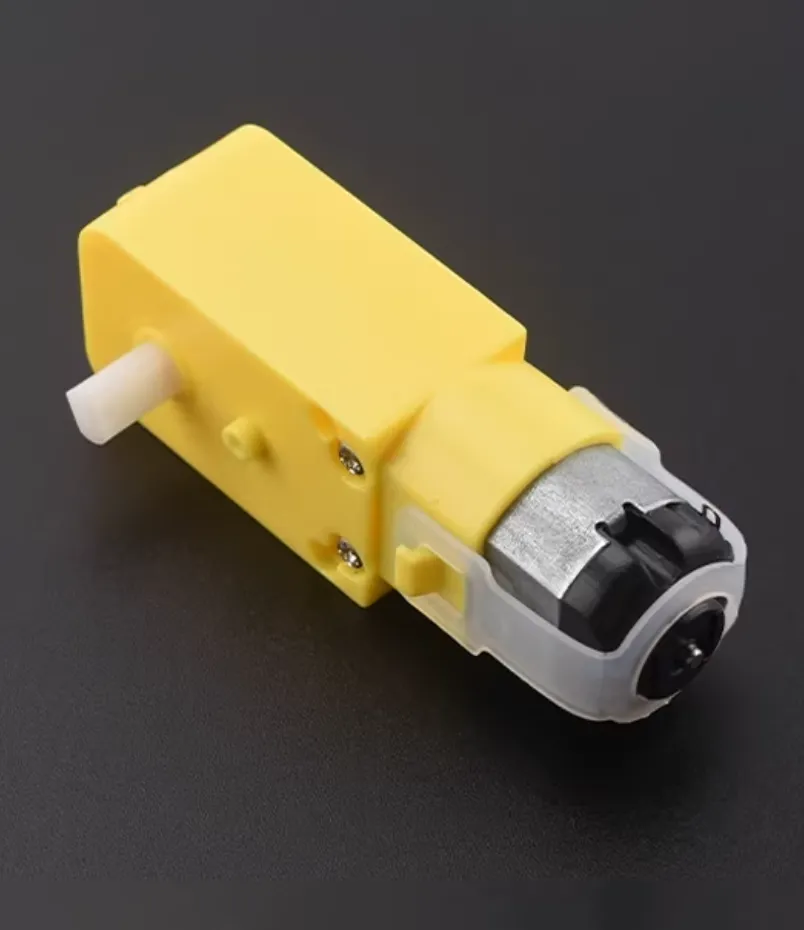
2 | TT gear motor, 1:48 single-shaft
| 1 |
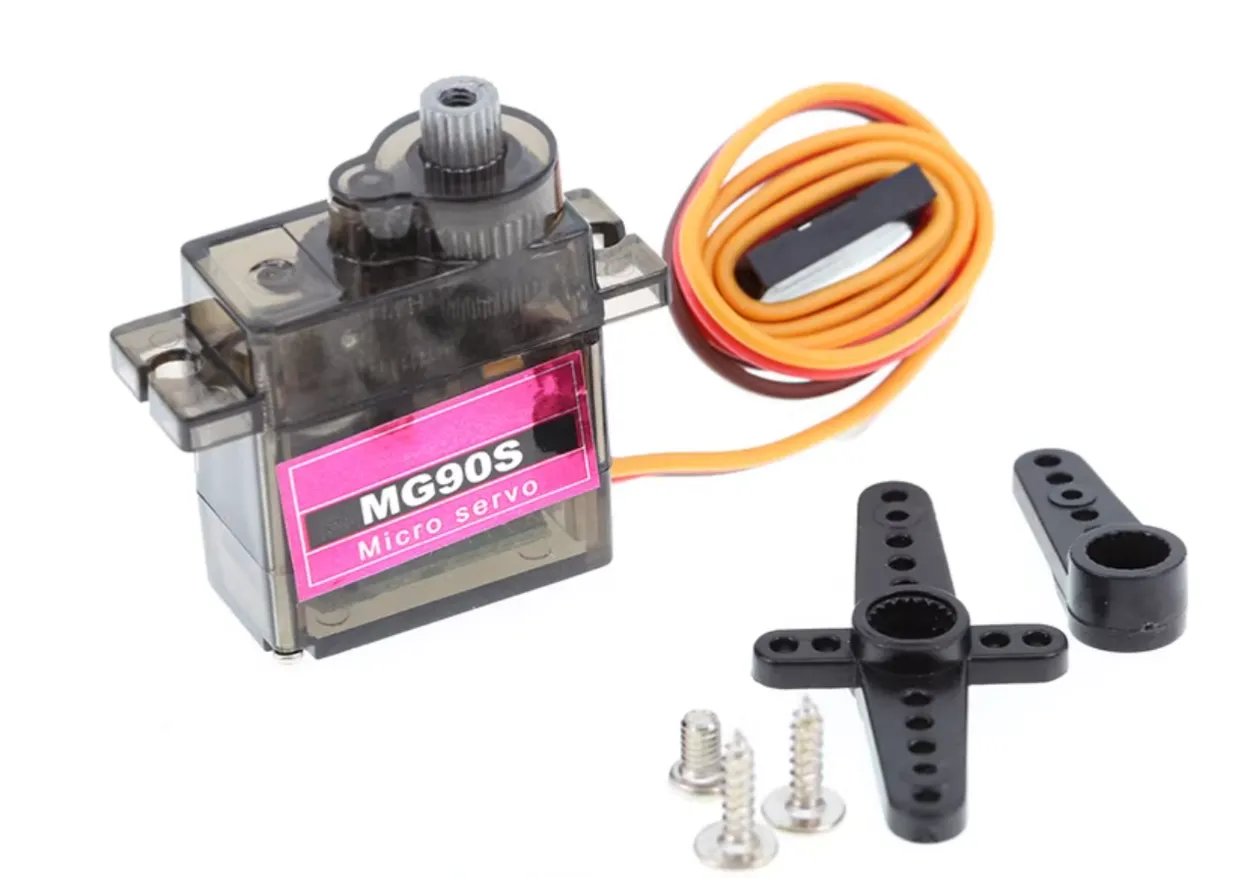
3 | MG90S servo, 360°
| 2 |
4 | MG90S servo, 180°
| 1 |
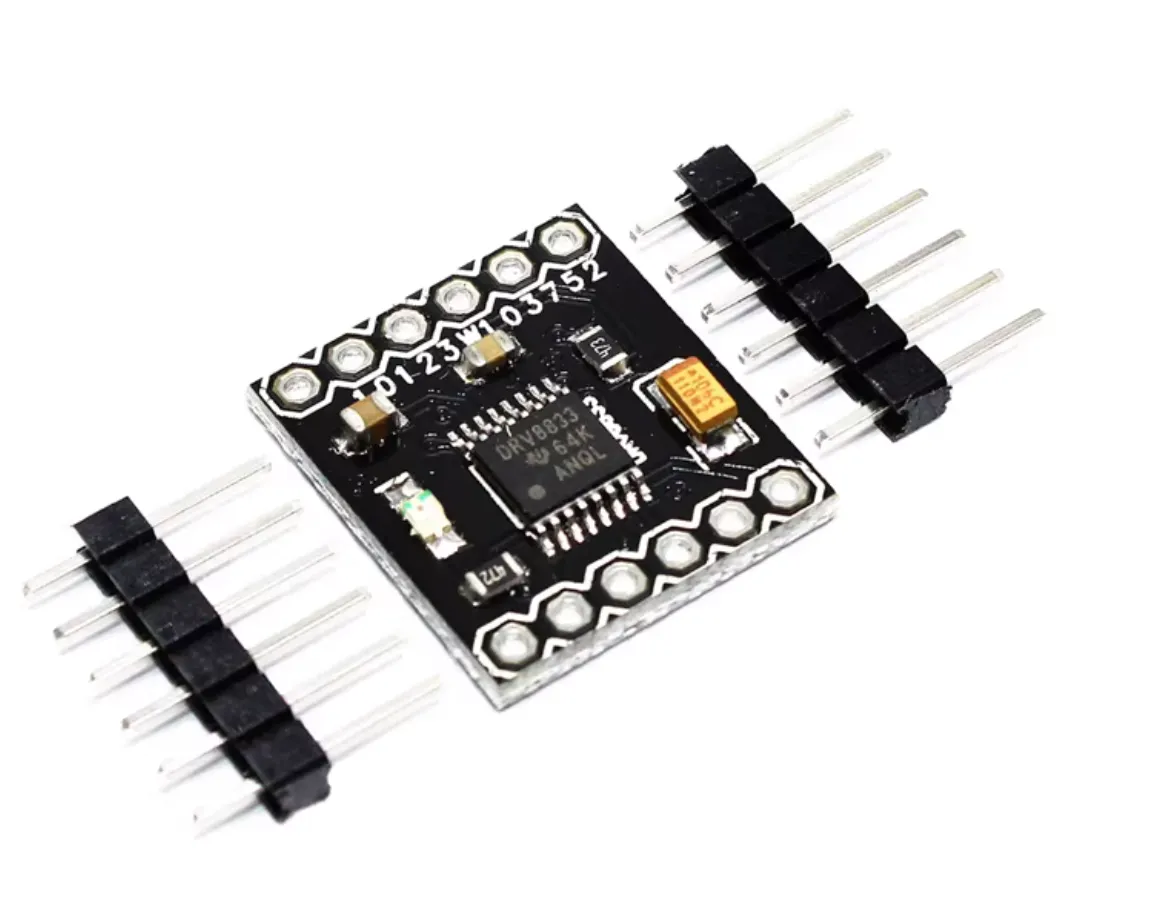
5 | DRV8833 motor driver module
| 1 |
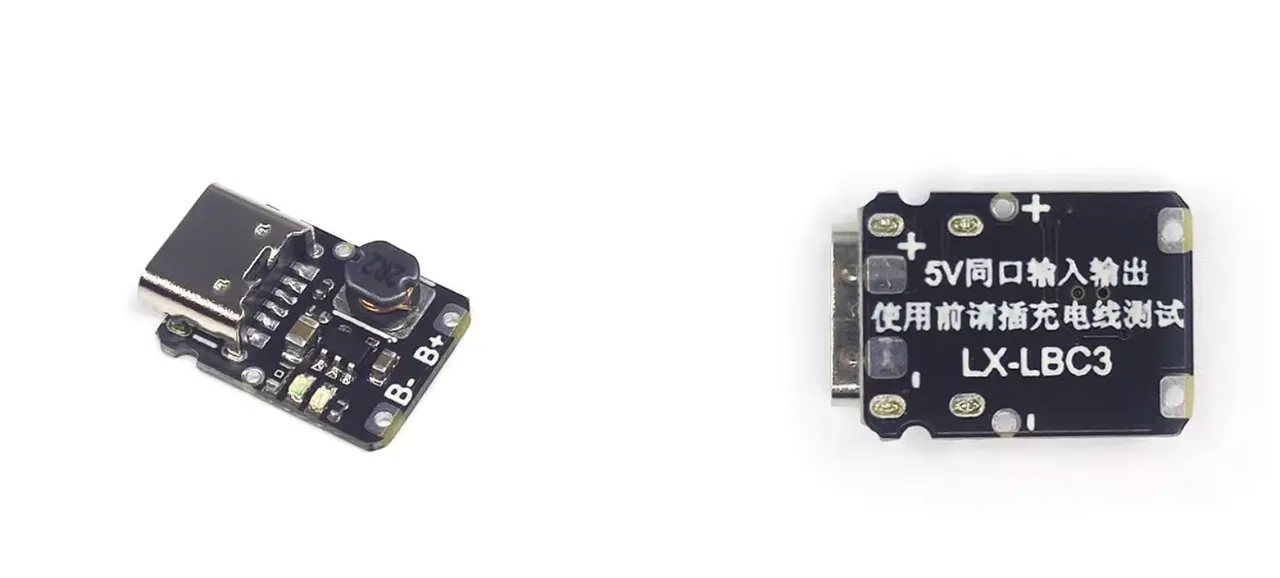
6 | USB-C 5V charge/discharge module
| 1 |
| 7 | 3.7V Li-ion battery, 6mm thick × 25mm wide × 35mm long, with 2.54mm black/red connector | 1 |
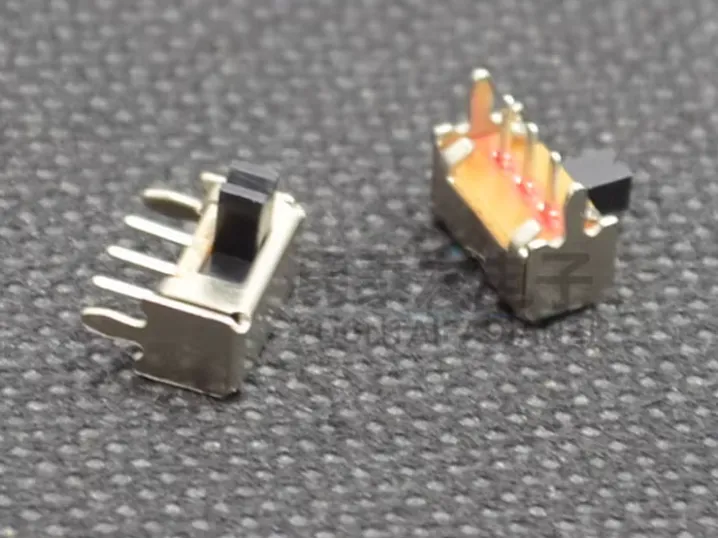
8 | SK12D07VG 2-position side-toggle switch
| 1 |
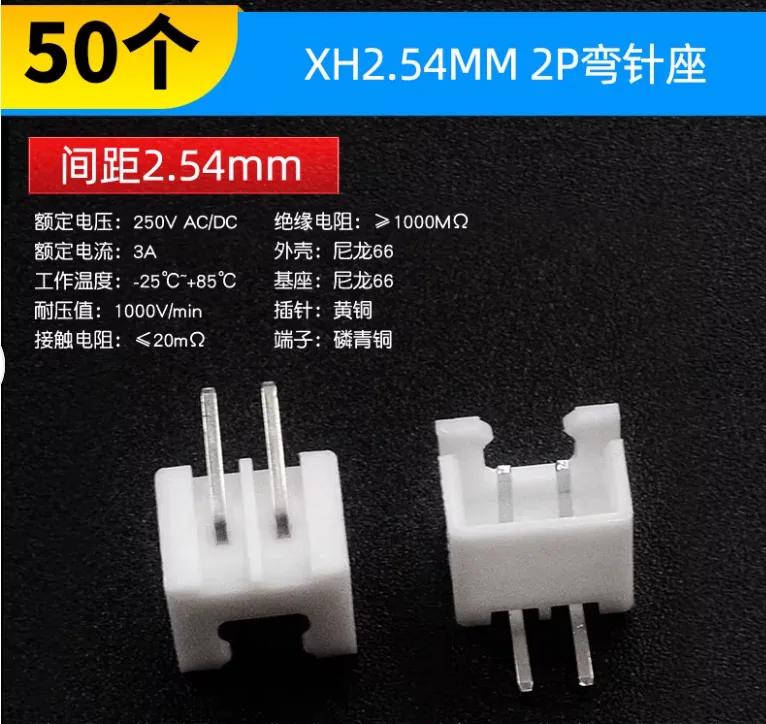
9 | XH2.54mm 2-pin right-angle header
| 1 |
| 10 | Dupont jumper wires | assorted |
2. 3D Model & PCB
3D Model (print via MakerWorld)
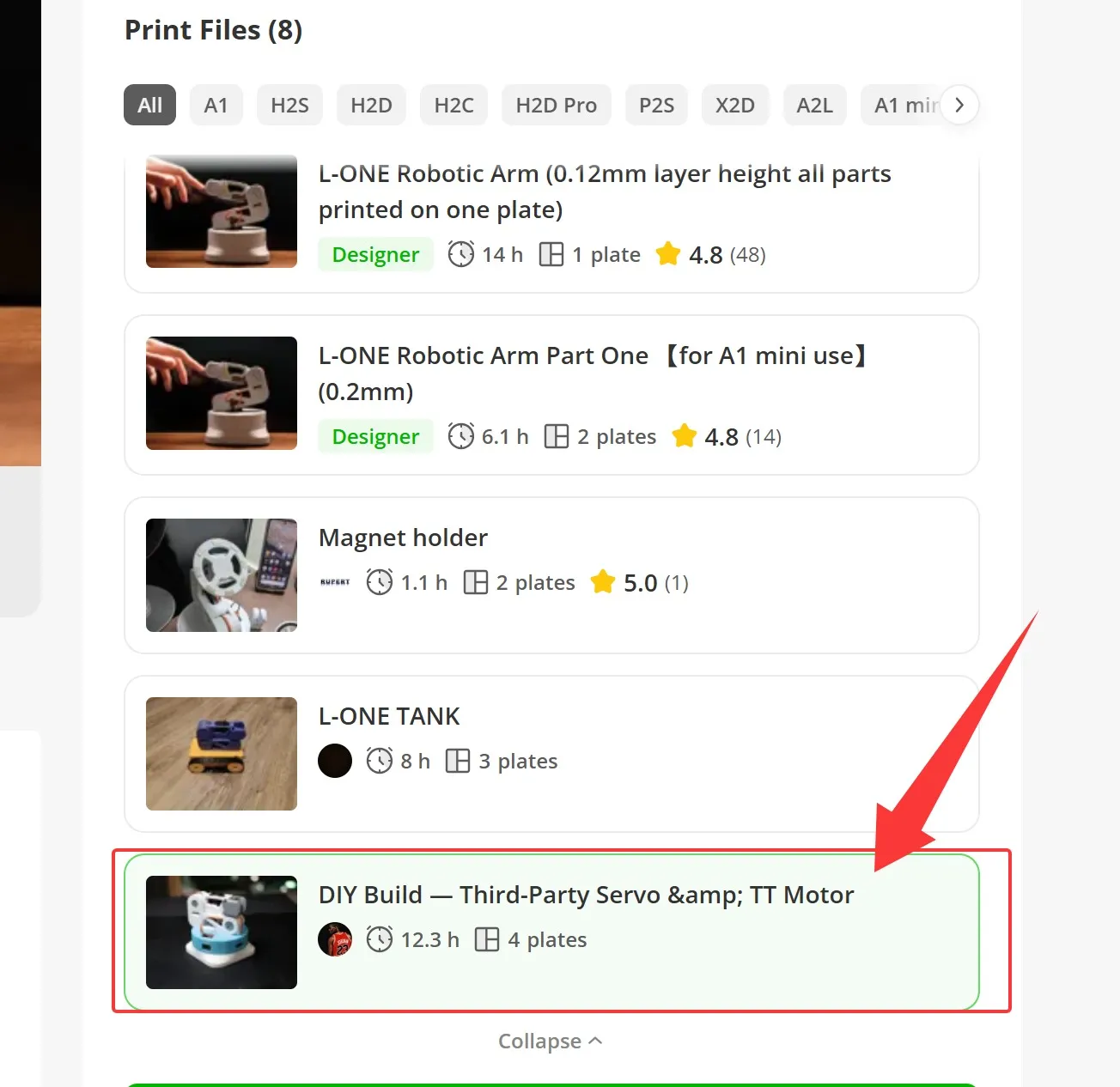
When printing, select the configuration profile for DIY Build — Third-Party Servo & TT Motor (see screenshot on the model page).
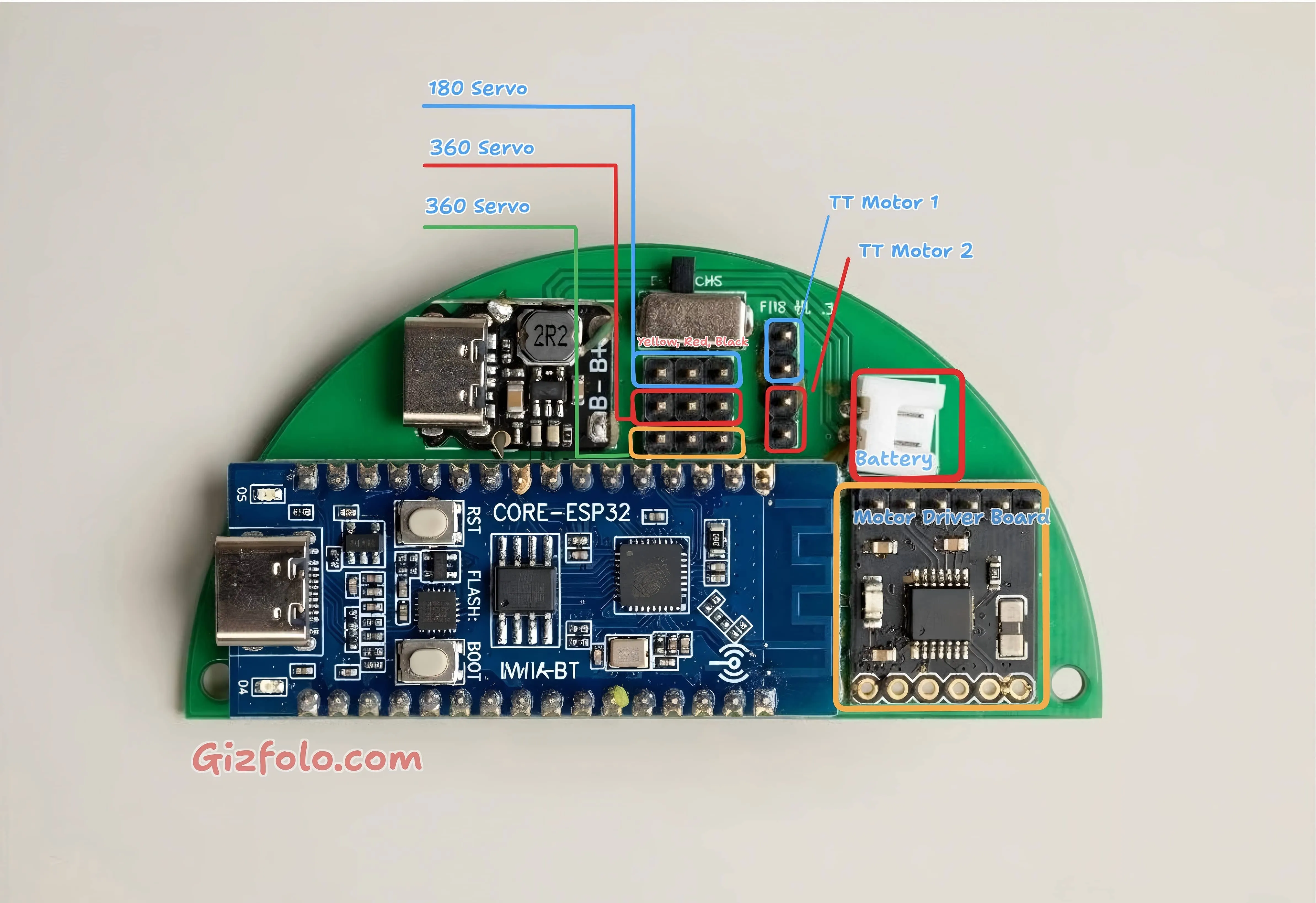
PCB
Manufactured via JLCPCB. If you're not familiar with ordering PCBs from JLCPCB, there are plenty of tutorials online — not covered here.
Project link: https://oshwhub.com/tonytang2/project_fpmcwaqt
3. Firmware Flashing
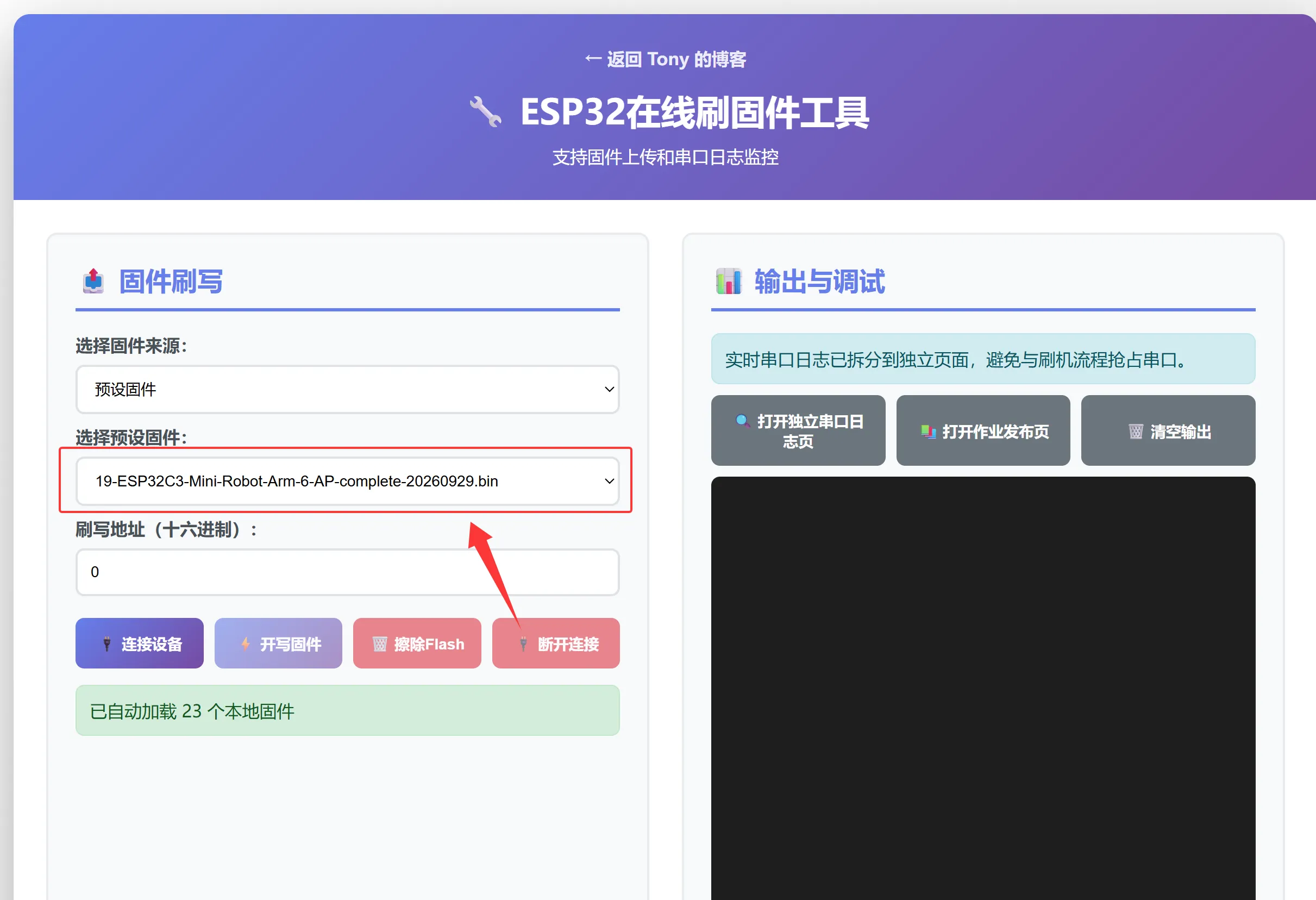
- Open the web flasher: https://gizfolo.com/firmware/esp_flasher
- Select the firmware file ESP32C3-Mini-Robo-Arm-6-AP-complete-20260929.bin and flash it following the steps shown in the screenshots below.
- Once flashing completes, reboot the board.
4. Wi-Fi Setup
- On your phone, look for a Wi-Fi network starting with
esp32and connect to it to configure your home Wi-Fi. - Important: use a 2.4GHz network — 5GHz is not supported.
- After setup, find the ESP32's IP address via your router's device list, or check it directly in the ESP32's serial log output.
- Log viewer tool: https://gizfolo.com/firmware/esp_serial_log
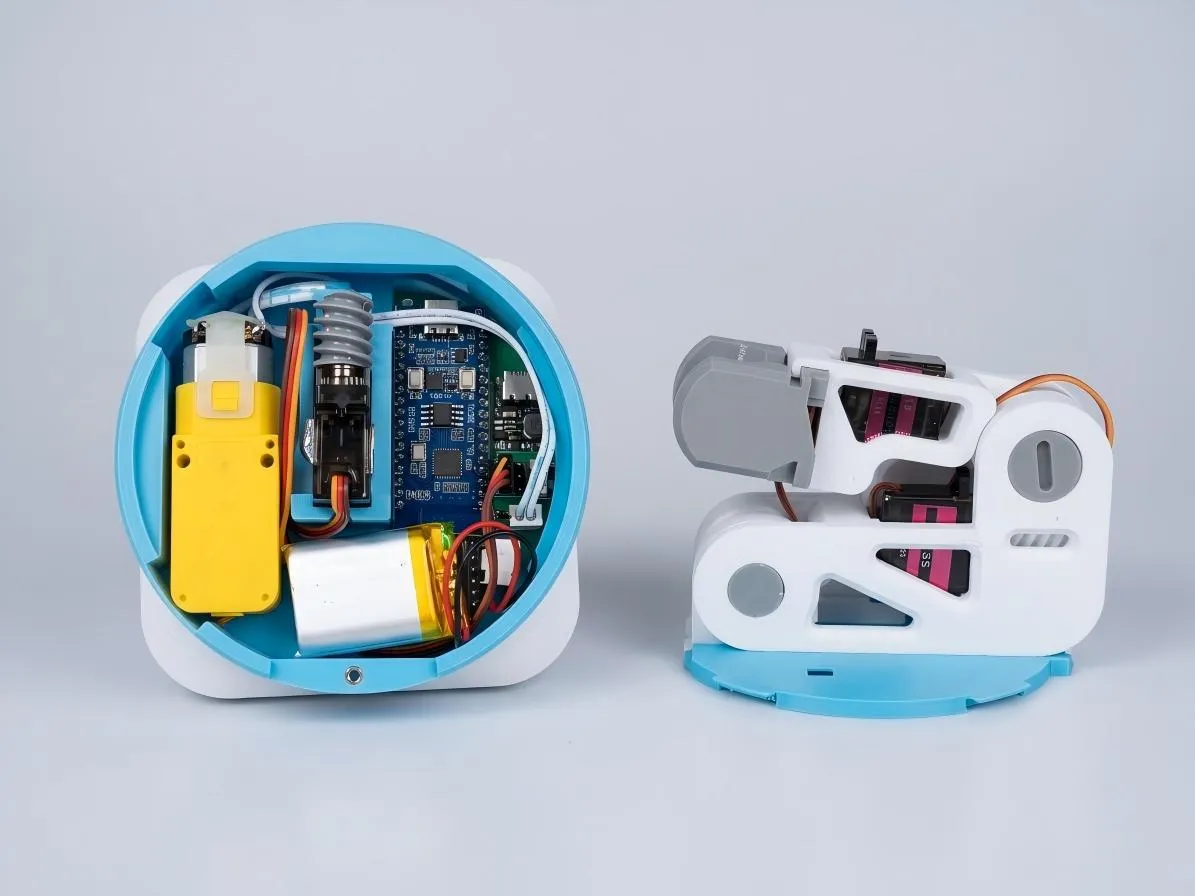
5. Graduation Photo
6. Final Notes
If this project helped you, a boost on my MakerWorld profile is much appreciated: https://makerworld.com/en/@Tony.Tang